
Users
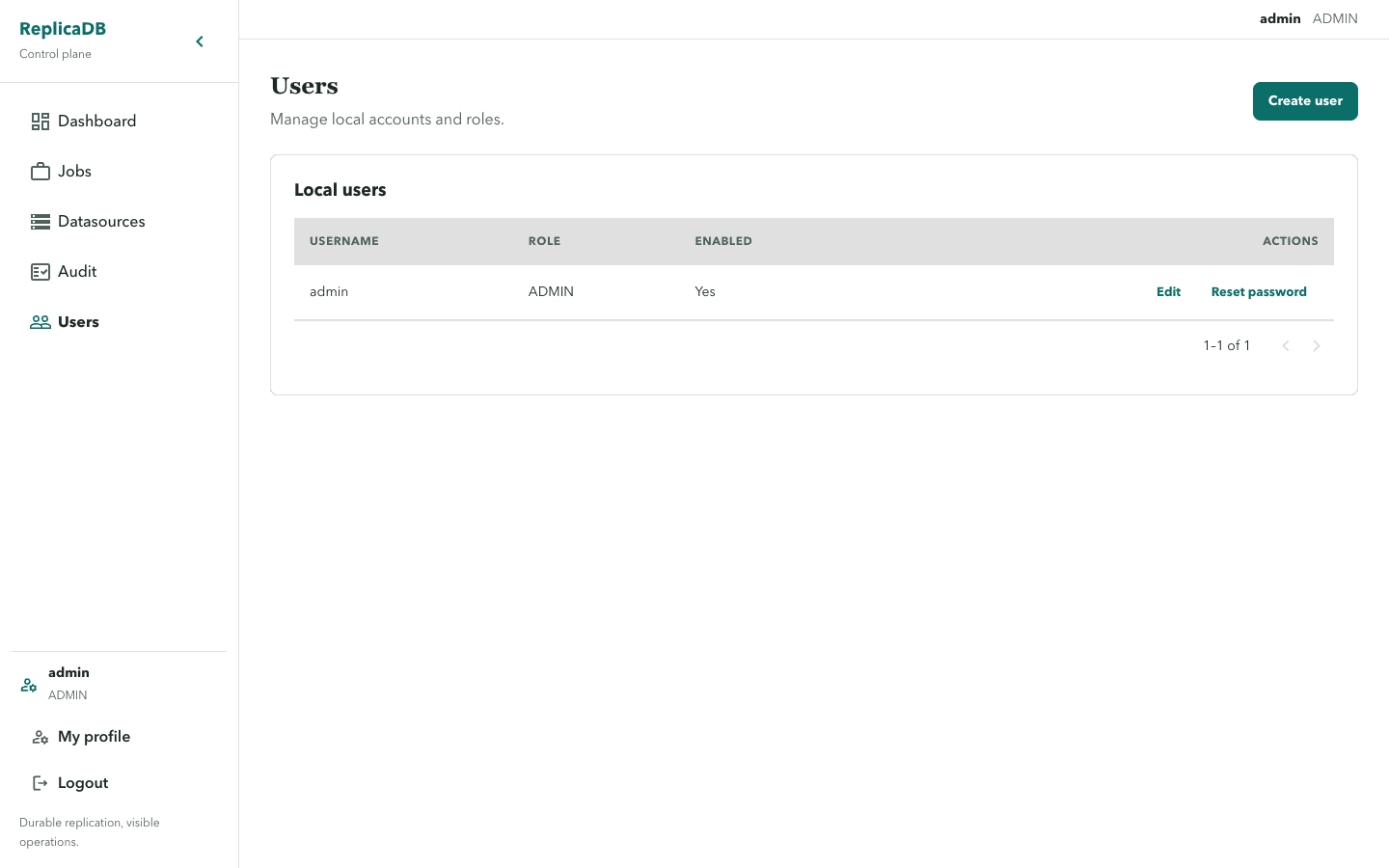
/users is ADMIN-only. It lists users and supports Create user, Edit, and
Reset password for .... User edits change role or enabled state; roles are
ADMIN, OPERATOR, and VIEWER.
Password reset is an administrator action and is distinct from the disabled
self-service fields on My profile. Keep the reset flow inside the
authenticated control plane and do not document or log resolved values.
Manage access deliberately
Section titled “Manage access deliberately”Create a user with the minimum global role required for their work. VIEWER
can inspect permitted resources, OPERATOR performs routine job work within
resource grants, and ADMIN manages users and access policy. Review the
enabled state before changing a role: disabling an account blocks future
authenticated activity without erasing its audit history.
Use a password reset only for account recovery, then confirm the user can sign in and sees the intended permitted resources. Do not use a role change as a replacement for datasource or job access: those are separate resource grants managed from the relevant detail page.
The route guard is not the authorization system. The backend must enforce the same ADMIN boundary even if a user reaches a URL directly.
Continue with permissions to grant resource access and audit to verify that administrative changes were recorded.