
Sign in and profile
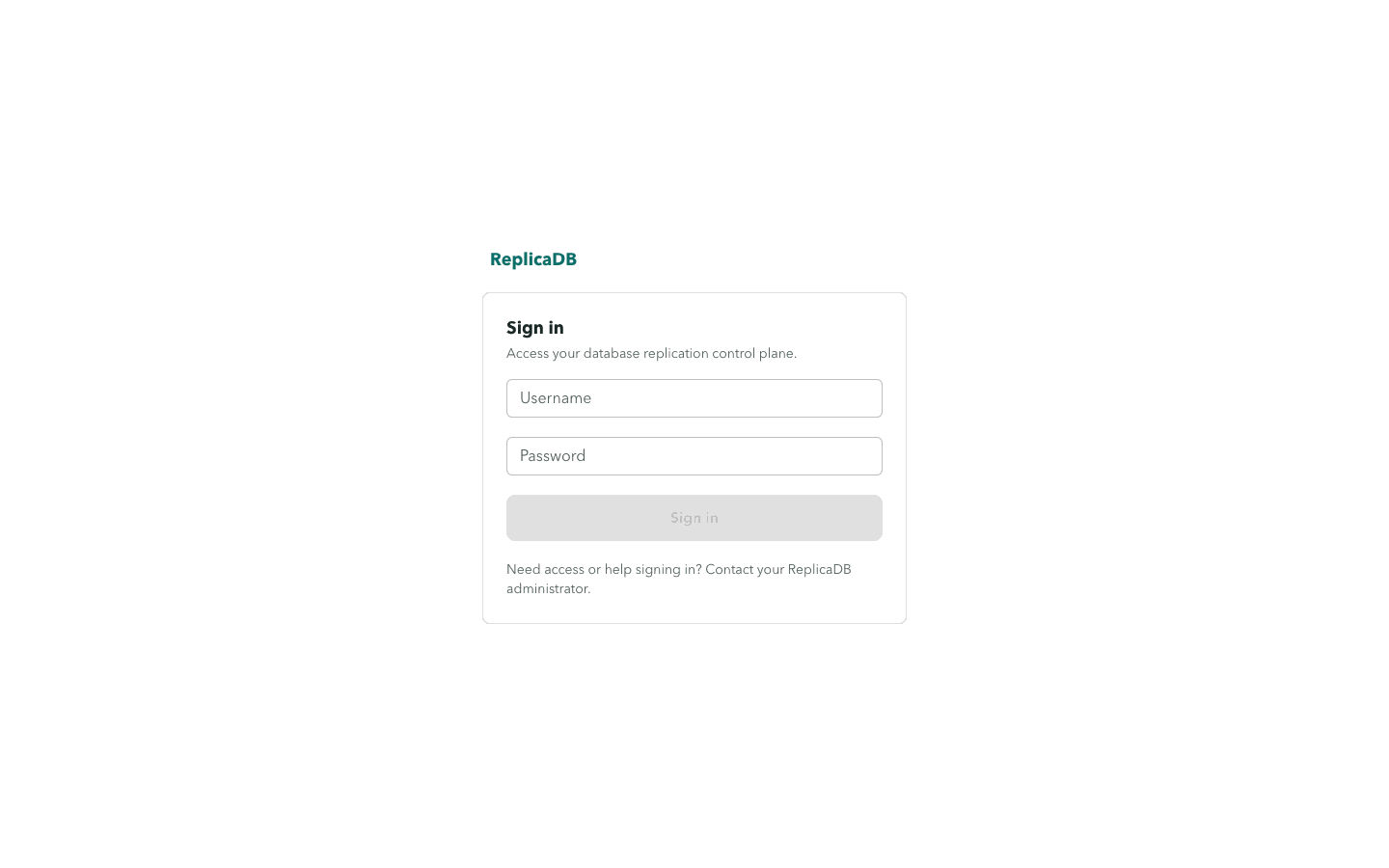
/login is the only public frontend route. The sign-in flow obtains CSRF
protection, submits the credentials to the session API, and redirects an
authenticated user to the control plane. Anonymous users who visit a protected
route are redirected back to sign in.
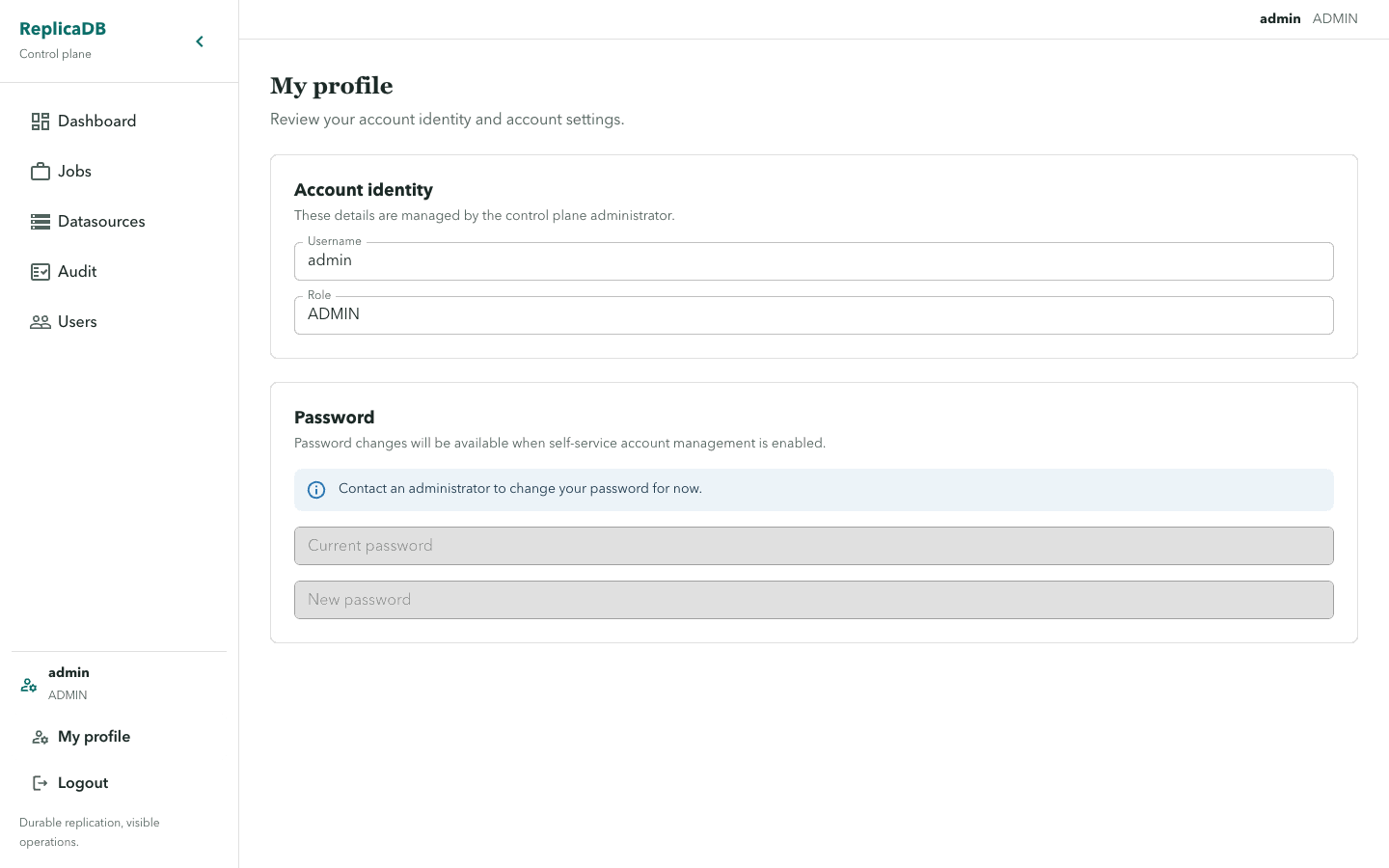
The navigation exposes My profile and Logout. Profile displays the current
username and role. Password self-service is intentionally unavailable: the
disabled fields explain that account self-management is not enabled. An ADMIN
can reset another user’s password from Users.
The frontend must never receive resolved datasource security values. Session cookies and CSRF handling belong to the same origin as the API; do not copy them into documentation examples or third-party request tools.
Session and administrative boundaries
Section titled “Session and administrative boundaries”The browser session identifies the signed-in user, but backend role and resource-permission checks decide each operation. A route guard returns an anonymous browser to login after a 401 and shows an unauthorized state after a 403; neither behavior grants access. Sign out when the shared workstation or browser session is no longer trusted.
Profile is intentionally read-only for identity and password management. An administrator creates users, changes their global role or enabled state, and resets passwords through the dedicated Users flow. This keeps account recovery auditable and prevents a profile screen from becoming a secret-management surface.