
Errors and empty states
The frontend names recovery paths instead of hiding operational states.
Common states
Section titled “Common states”- Loading states say what is being fetched, such as
Loading jobs,Loading datasource,Loading job,Loading run, orLoading audit events. - Empty states distinguish no data from no permission:
No jobs available.,No datasources configured.,No permissions granted., andNo runs in this window.. - Validation errors stay beside the field that needs correction.
- API failures expose RFC 7807
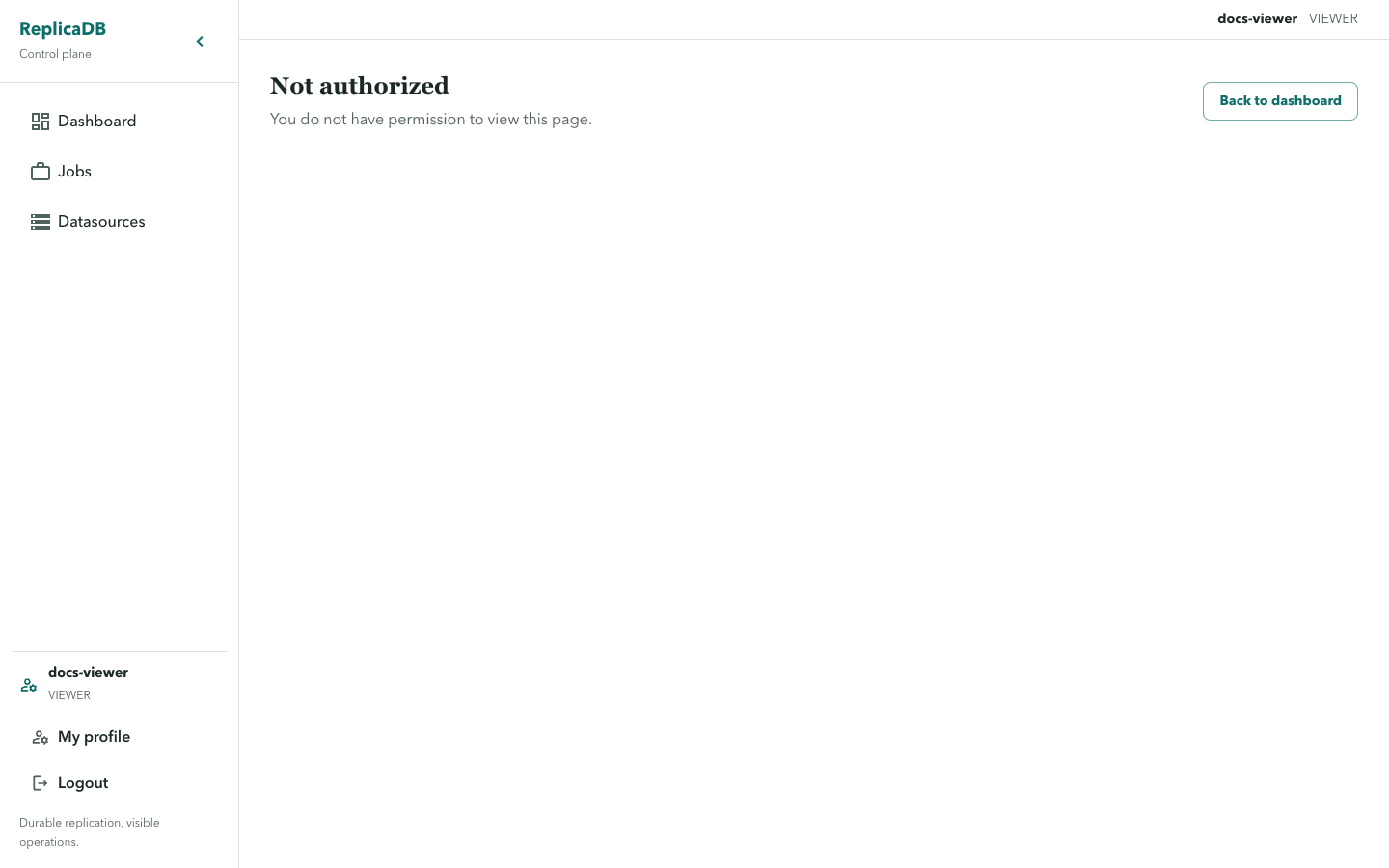
detailwhen available, otherwise a safe operation-specific message such asUnable to save this datasource.. - A 401 returns the session to login; a 403 renders
You do not have permission to view this page.through the unauthorized route guard. - A 409 conflict is recoverable: preserve the user’s context, refresh the resource, and resolve the changed binding or definition before retrying.
Binding and secret edge cases
Section titled “Binding and secret edge cases”If a job references a datasource the user can no longer USE, the binding is
shown as unavailable or disabled and cannot be re-enabled until access is
restored. If a datasource edit omits a security input, the stored encrypted
value is preserved; clearing requires the explicit clearSecurityKeys path.
Complete mode can truncate the sink before a failure. Read the run warning and choose a mode-specific recovery rather than treating a failed run as a safe rollback.
Recover without losing context
Section titled “Recover without losing context”Treat an empty state as information before creating new data: it can mean no resource exists, the selected filter excludes it, or the current user lacks access. Correct field validation in place, then submit again. For a 401, sign in again; for a 403, request the appropriate resource permission rather than reloading repeatedly.
For a 409, refresh the job, datasource, schedule, or permission view and compare the durable state before repeating the mutation. Do not infer that an active run is safe to retry from an error banner alone; inspect its attempt, warning, and diagnostics first. Use runs and diagnostics for execution outcomes and troubleshooting when the failure points to service health.