
Audit
/audit is ADMIN-only. The page loads audit events and supports filters for
From, To, Action, Resource type, Resource ID, and Actor. Use Apply filters and Clear filters to control the query window.
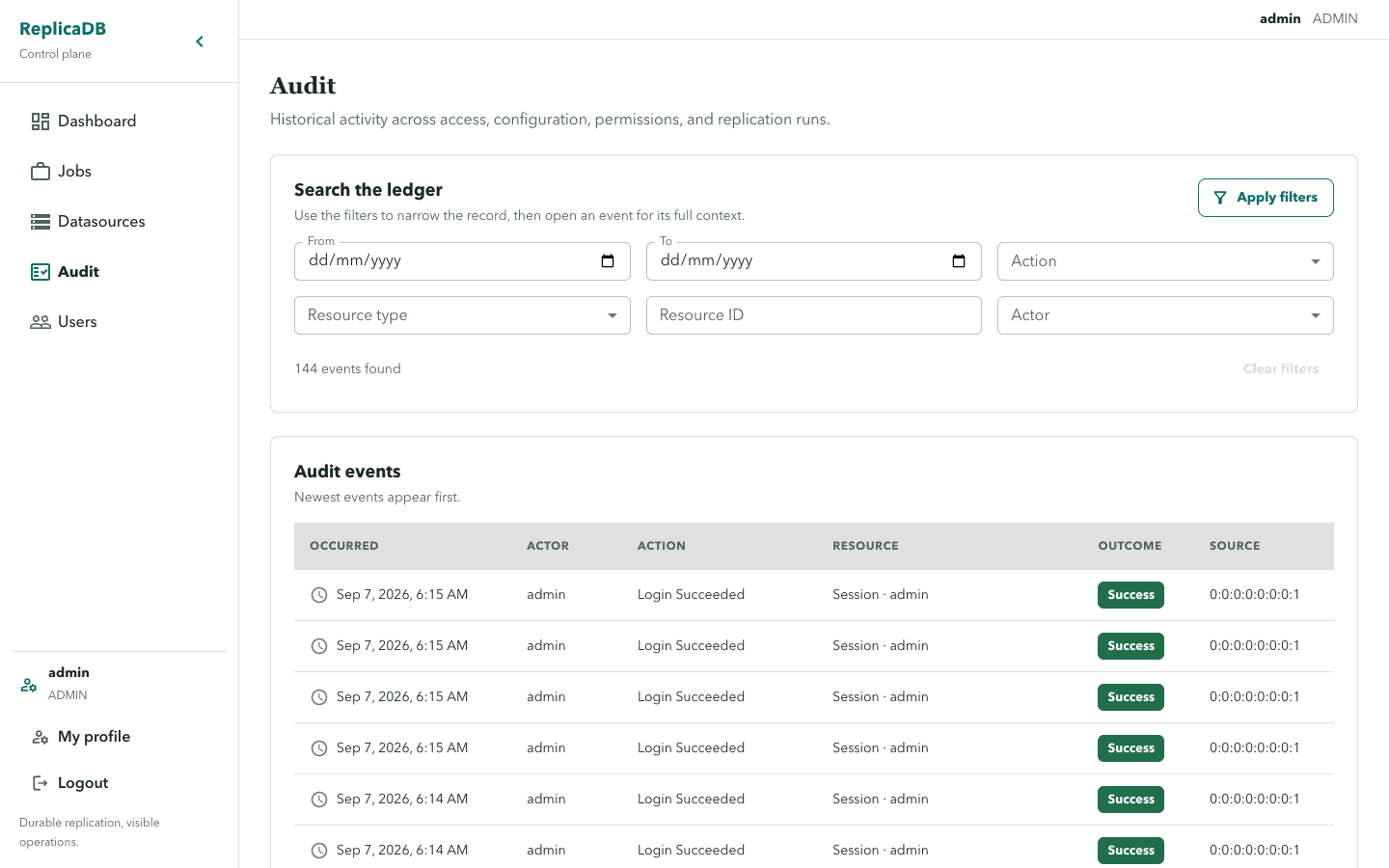
Selecting an event opens Event detail with its context. Audit data is a
diagnostic record, not a source of raw credentials or internal lease identity.
Treat event detail as sensitive operational data and keep retention aligned
with the server deployment policy.
Investigate a durable change
Section titled “Investigate a durable change”Start with the smallest useful time window, then filter by actor, resource type, resource ID, or action to isolate a change. Open the detail only after the result set is narrow enough to preserve context. Audit records identify what happened to a managed resource and its outcome; they do not reconstruct plaintext datasource values, password inputs, or worker lease tokens.
Use audit history to correlate a job, datasource, user, permission, or run change with the relevant detail page. It is not a substitute for run diagnostics, health metrics, or PostgreSQL recovery evidence when diagnosing a runtime failure.
Load failures show the Loading audit events transition followed by an
error-state recovery path. Backend authorization remains required even when a
user knows the audit URL.
Retry a transient load after checking the time filter. A persistent failure or unexpectedly missing history requires an administrator to inspect service health and retention policy without widening audit access. See health and metrics for runtime evidence and backups and restore for recovery boundaries.