
Datasources
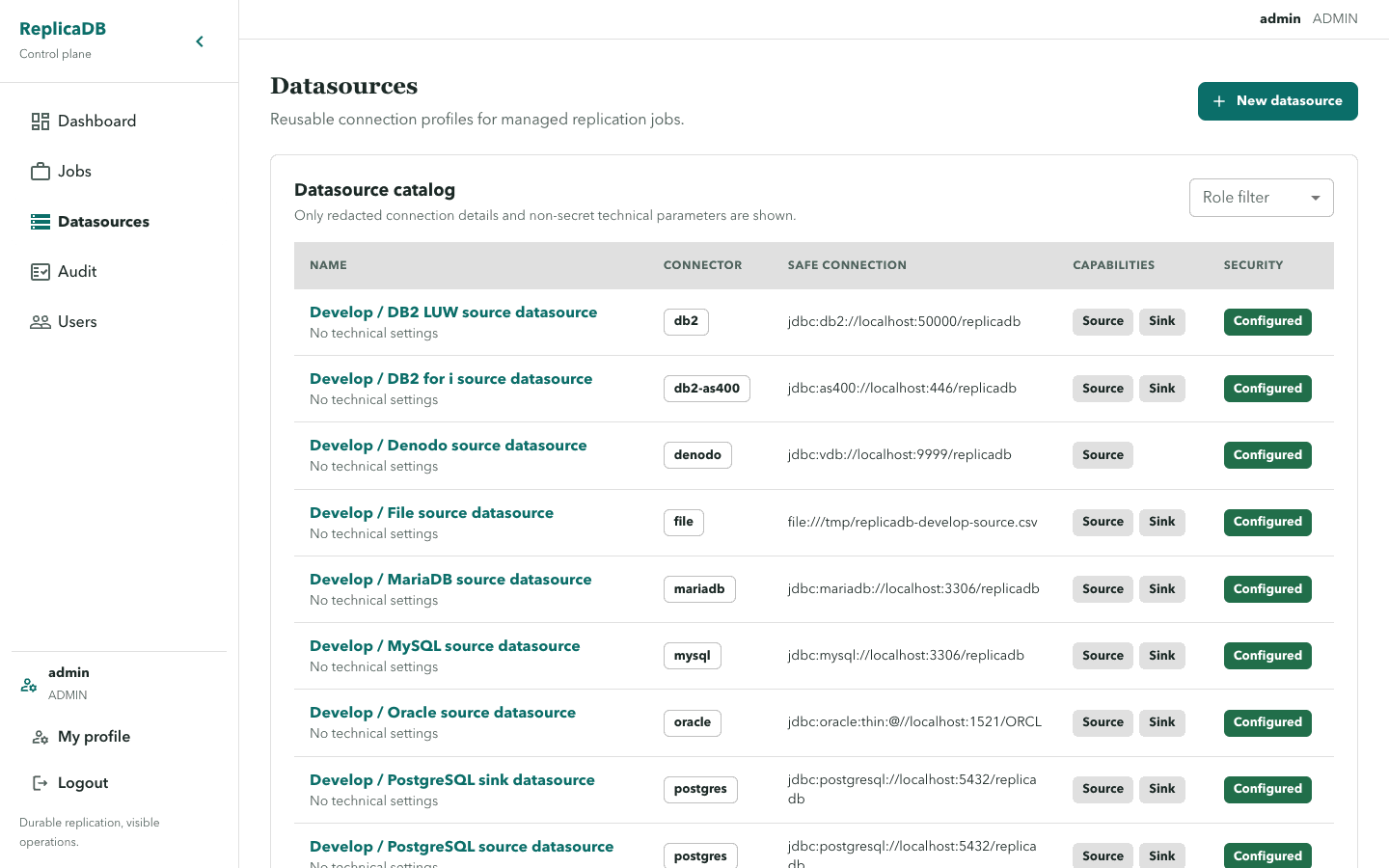
The /datasources catalog lists profiles visible to the current user and can
filter by role. A datasource response exposes a redacted connection display,
capabilities, and permission flags such as canUse and canEdit; it never
rehydrates stored security values.
Actions
Section titled “Actions”- ADMIN users see
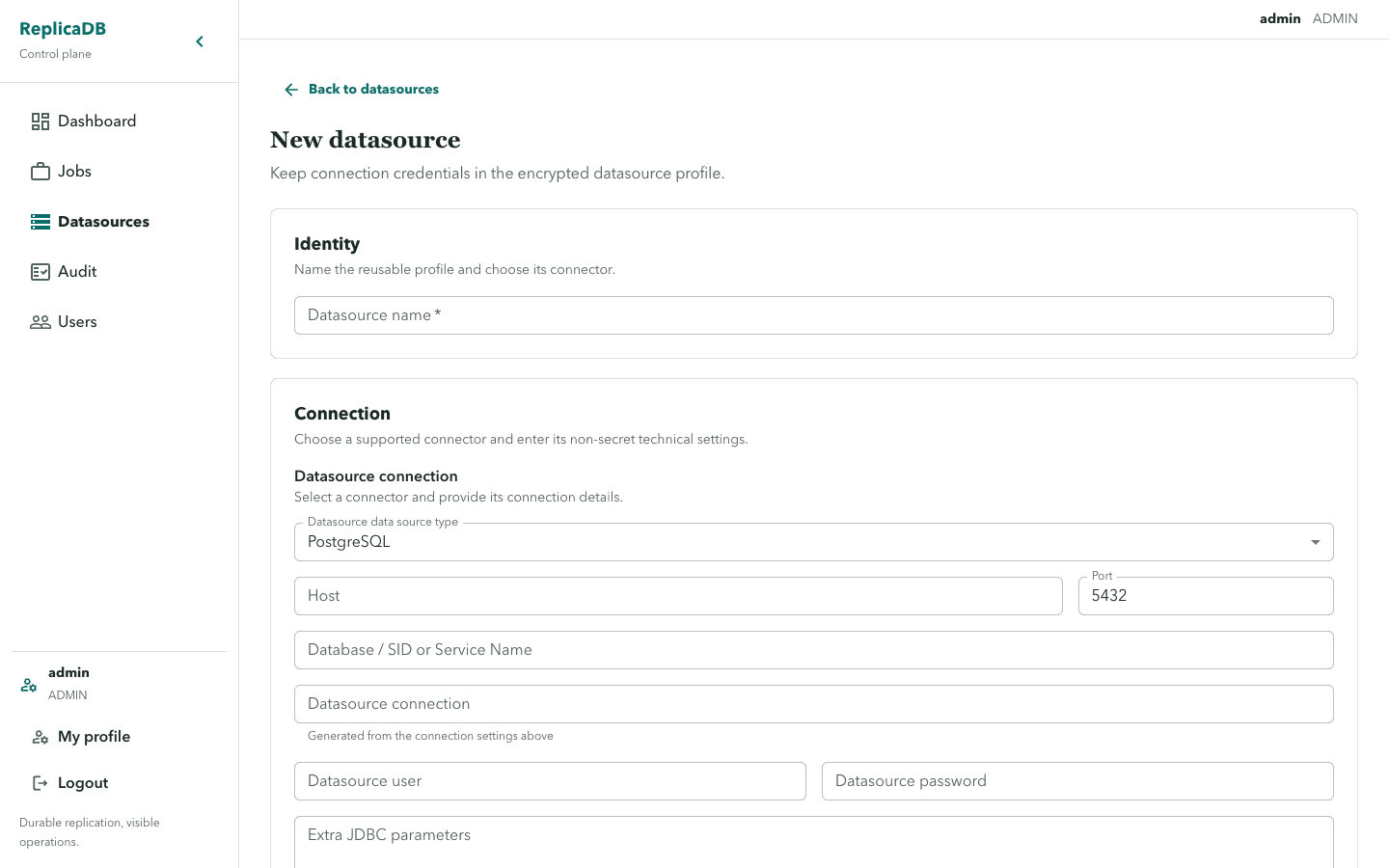
New datasourceand can open the create form. - A user with
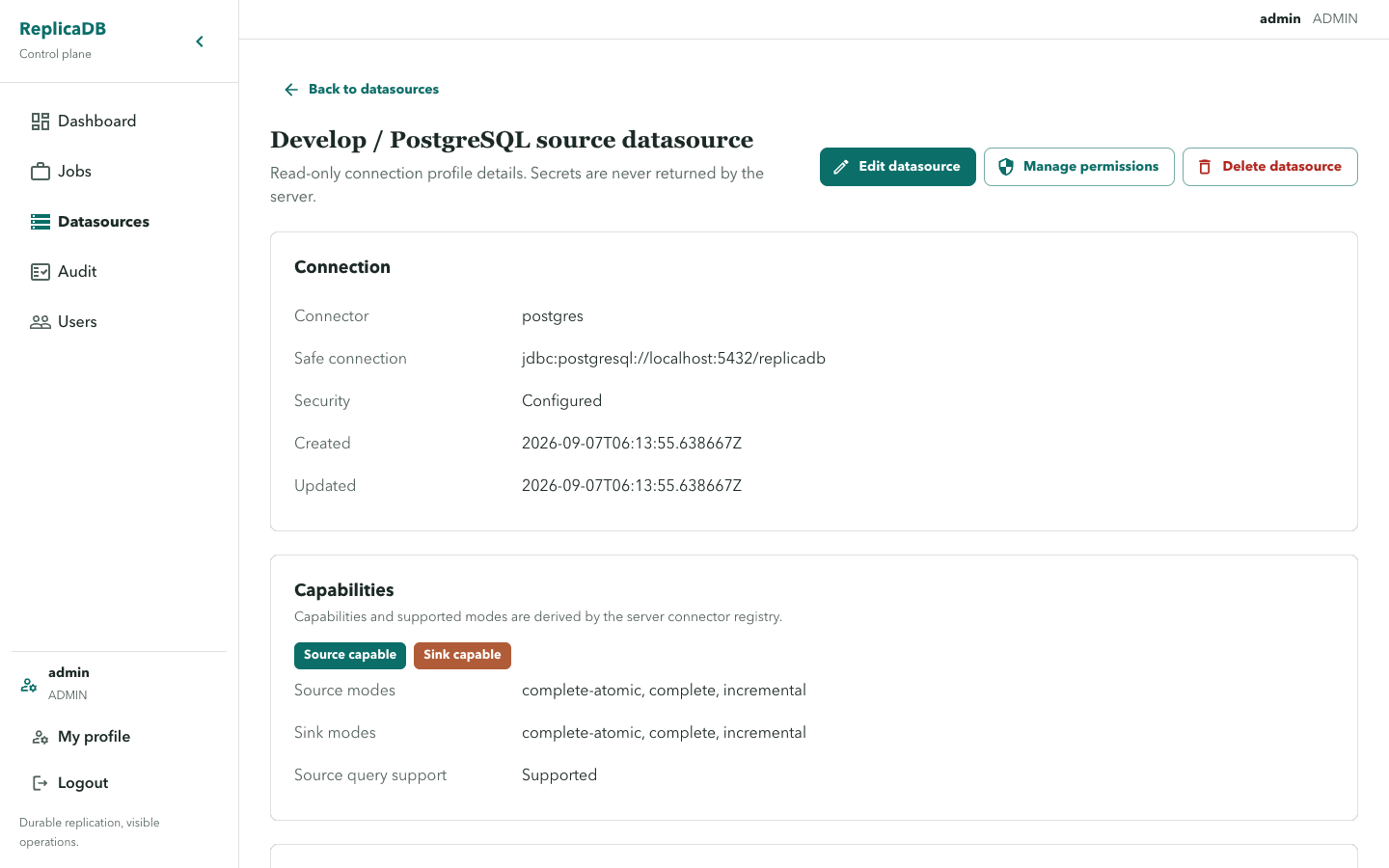
canEditseesEdit datasourceon its detail page. - ADMIN users see
Manage permissionsandDelete datasource. - A profile can be source-capable, sink-capable, or single-job only according to its connector capability response.
When no profiles exist, ADMIN users see No datasources configured. with
Create a profile before defining a job. Non-admin users see the same title
with Ask an administrator for access. Load failures say Unable to load datasources. and preserve a retry path.
Create and verify a profile
Section titled “Create and verify a profile”Choose a connector and role that match the job’s source or sink purpose, then enter its technical settings and protected security values in the create form. After saving, open the detail page and confirm the supported capabilities, redacted connection display, and permission flags before binding it to a job. The catalog does not prove a connector can support every replication mode; validate the intended job with a manual run.
Deleting a datasource is restricted while a job binding still refers to it. Remove or replace bindings deliberately instead of treating deletion as a way to invalidate active work. A disabled binding prevents future claims but an already running attempt retains its claim-time snapshot.
Secret-preserving edits
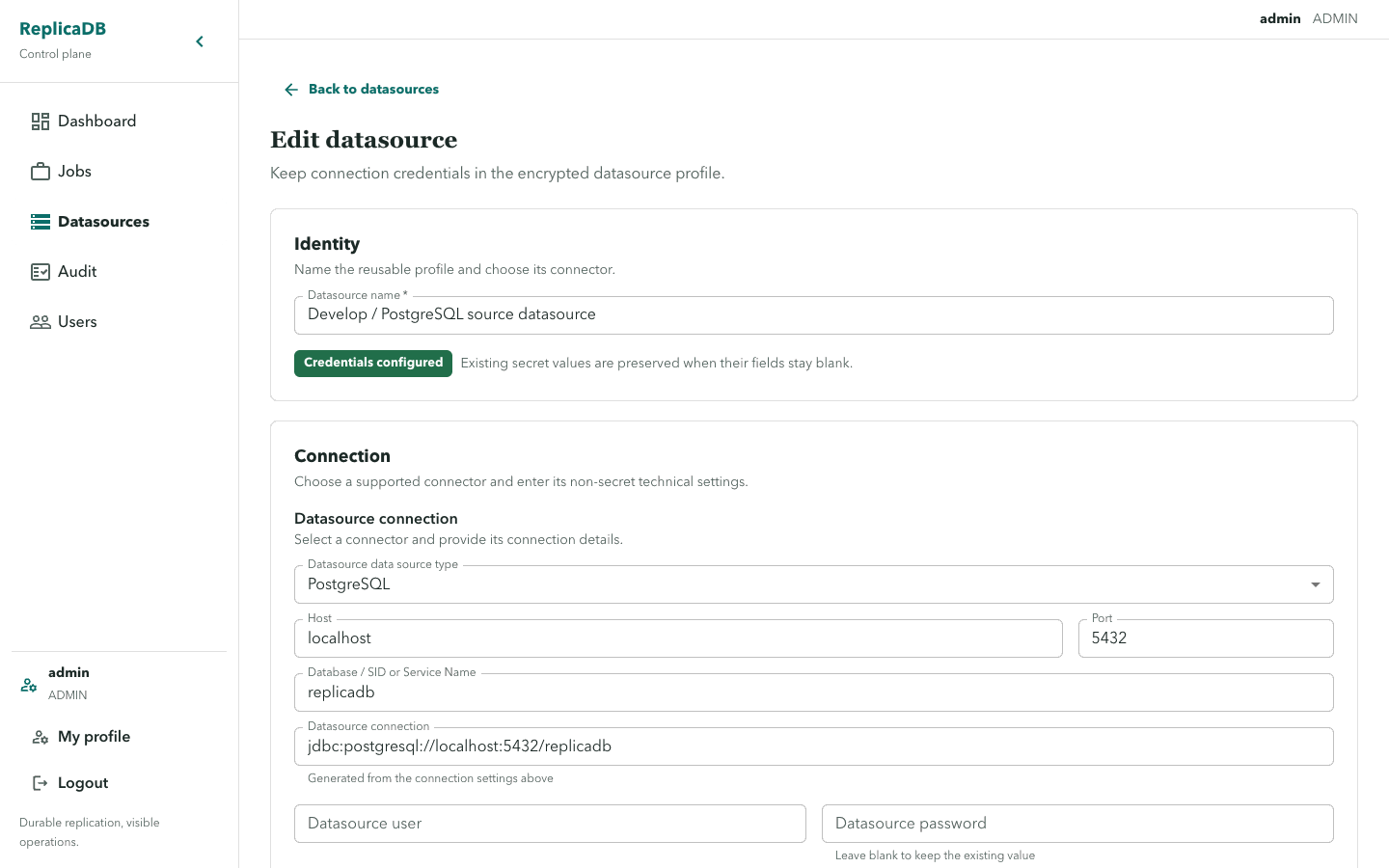
Section titled “Secret-preserving edits”Edit forms parse only safeConnectDisplay and keep security fields in memory.
Blank security inputs preserve the encrypted stored values. Entered values
replace the corresponding values. clearSecurityKeys is the explicit removal
path for a selected key; it is not implied by leaving an input blank.
Do not treat a visible edit control as authorization. The API enforces
datasource VIEW, USE, and EDIT permissions.
If a save conflicts with a concurrent update, refresh the detail, compare the safe fields, and apply the intended edit again. See permissions for access management and runs and diagnostics to validate a datasource through real execution.