
Permissions
Permission pages are ADMIN-only and are reached from a datasource or job
detail page through Manage permissions.
Datasource permissions
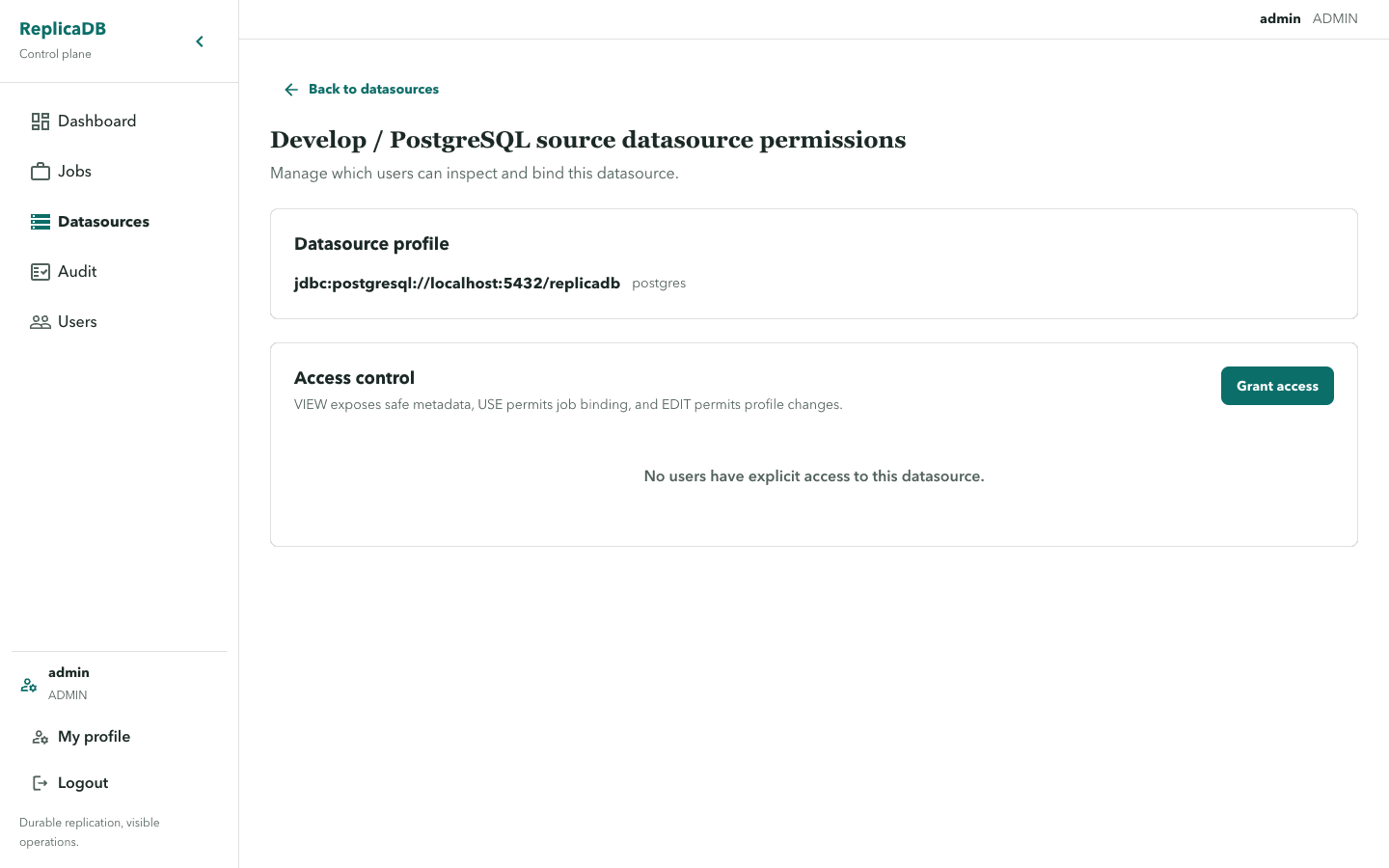
Section titled “Datasource permissions”Datasource grants use VIEW, USE, and EDIT:
VIEWexposes safe metadata;USEpermits the datasource to be bound into a job; andEDITpermits profile changes.
The page can grant, update, and revoke rows. The API remains authoritative if the resource disappears or access changes while the page is open.
Grant VIEW before expecting a user to discover a profile. Add USE only
when that user may bind it into a job, and EDIT only when they may change its
technical or security settings. After saving, refresh the profile catalog as
the affected user and confirm its visible actions match the intended grant.
Job permissions
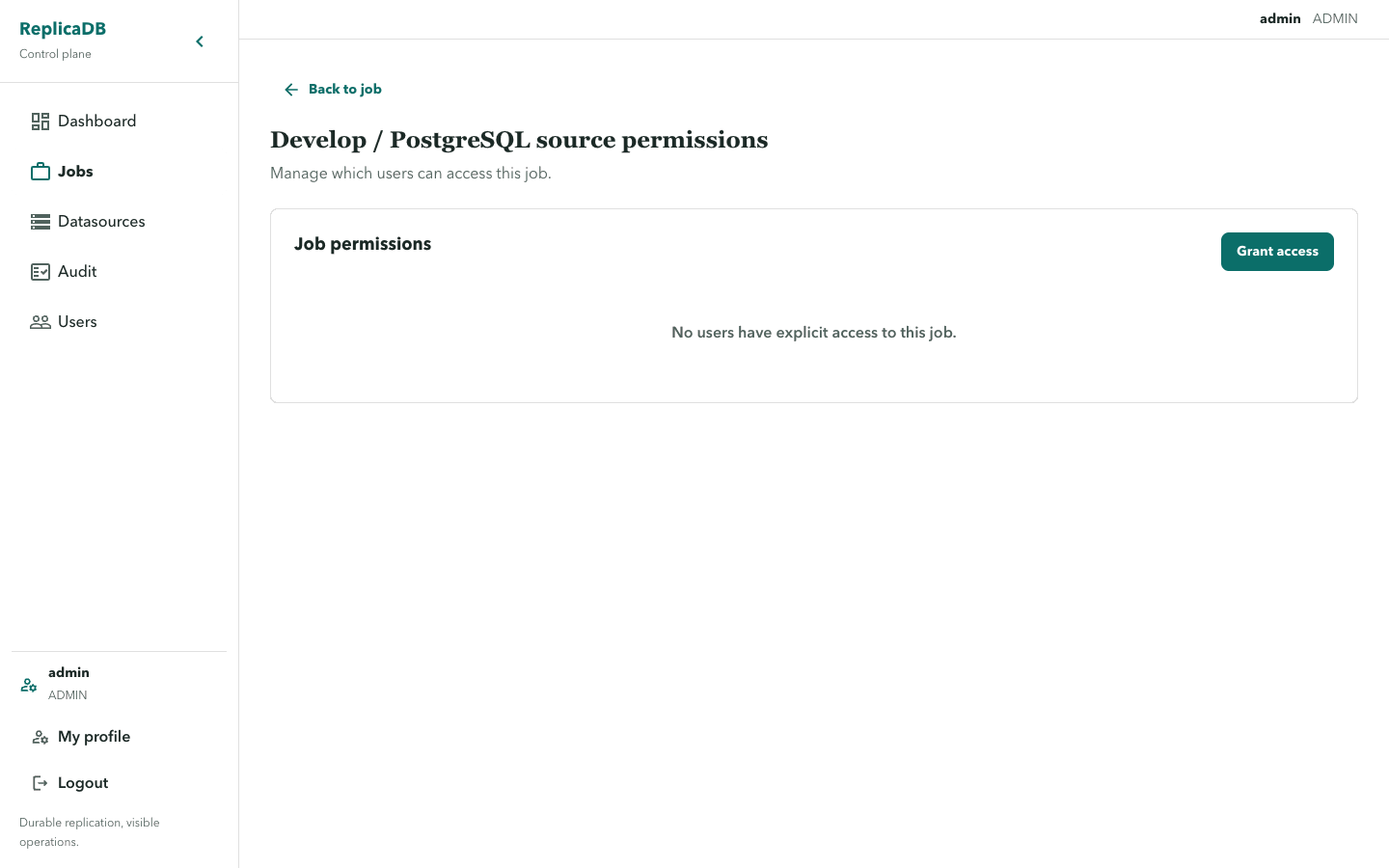
Section titled “Job permissions”Job grants use VIEW, EDIT, EXECUTE, and CANCEL:
VIEWreads the definition and history;EDITchanges the definition;EXECUTEtriggers a run; andCANCELrequests cancellation.
Frontend visibility is a convenience. A hidden button is not proof that an API request would be rejected, and a visible button is not proof that a mutation will succeed. Render RFC 7807 problem details and permission errors as recoverable operational notices.
Change access without changing history
Section titled “Change access without changing history”Grant only the action needed for the resource. EXECUTE does not imply
CANCEL, and job access does not grant datasource USE; a runnable job needs
both its own permissions and usable bindings. Revoking a grant blocks future
requests and future claims, but it does not rewrite an active attempt that
already holds its claim-time inputs.
If a save conflicts or the resource disappears, refresh the permissions page before retrying. Review the resulting administrative event in audit and use errors and empty states to interpret unauthorized or conflict responses.